
Use AI Clipping to find short-form clips
Use AI Clipping when you have a longer video and need short-form clip options for social channels. It helps you get from a large source file to a reviewable list of clips you can edit, brand, and publish.
Key points
- Best for podcasts, gaming, reactions, lessons, sports, talking-head videos, and show clips.
- Use it to create a first pass of short-form options for TikTok, Shorts, Reels, and other channels.
- Review the strongest clips before publishing so hooks, captions, crops, and timing match your audience.
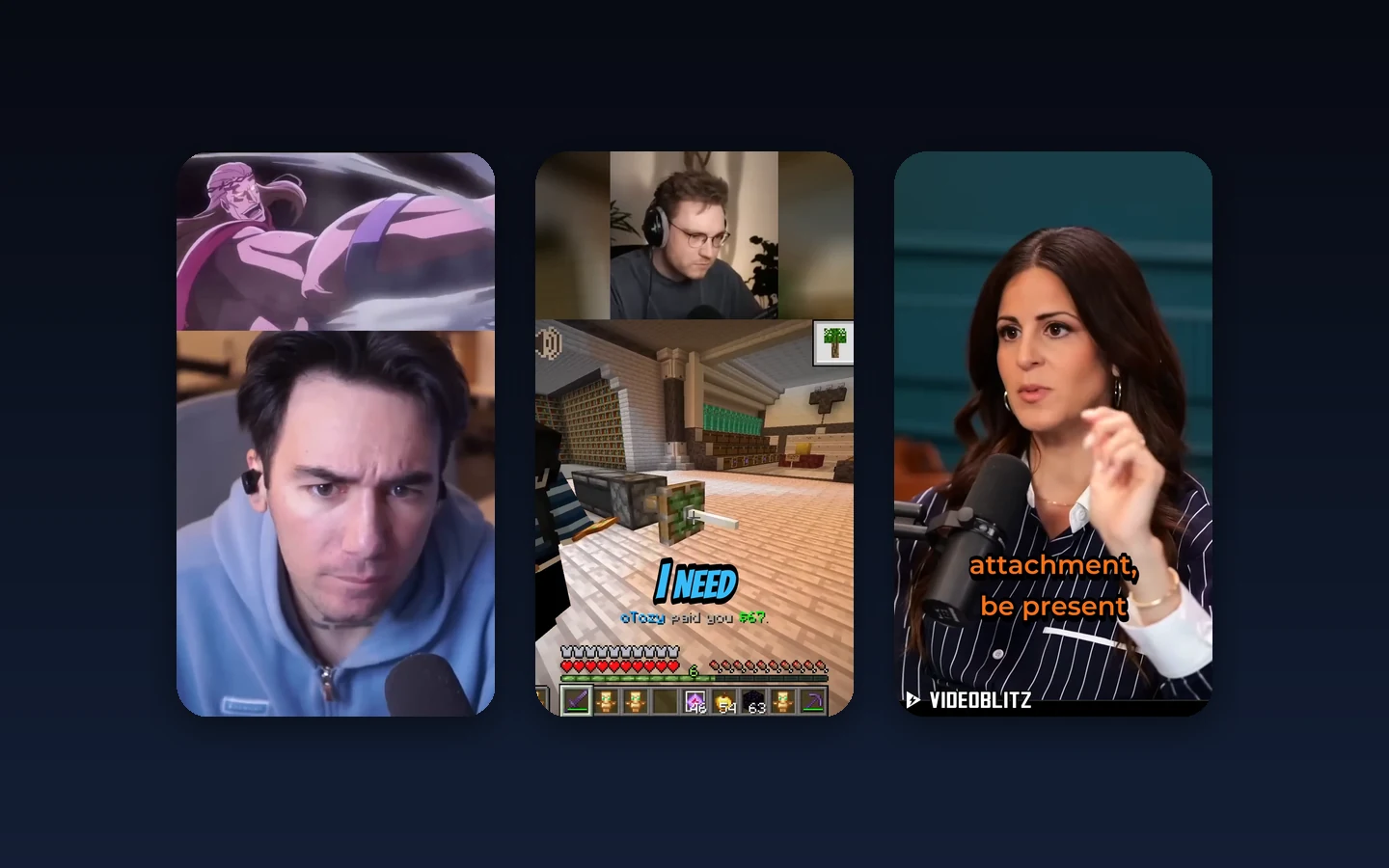
When to use AI Clipping
Use AI Clipping when a source video has more usable moments than you want to find manually. It is helpful for long podcasts, webinars, livestreams, lessons, gaming sessions, reaction videos, sports recordings, and interviews.
It is also useful when you need several platform versions from one source. You can start with short-form options, then decide which ones deserve editing, branding, scheduling, or publishing.
How to choose the best clips
Look for clips with a clear hook in the first seconds, a complete idea, and a natural ending. A strong clip should make sense without the full source video and should fit the audience on the target platform.
Before approving a clip, check that the crop keeps the important subject visible, captions are readable, and the format matches where the clip will be posted.
What to do after clipping
Open the best clips in BlitzEdit when they need crop changes, caption fixes, timing cleanup, audio checks, or brand polish. Send approved clips to Blitz Social when they should use a saved account, caption, format, or schedule setup.