
Edit and polish clips in BlitzEdit
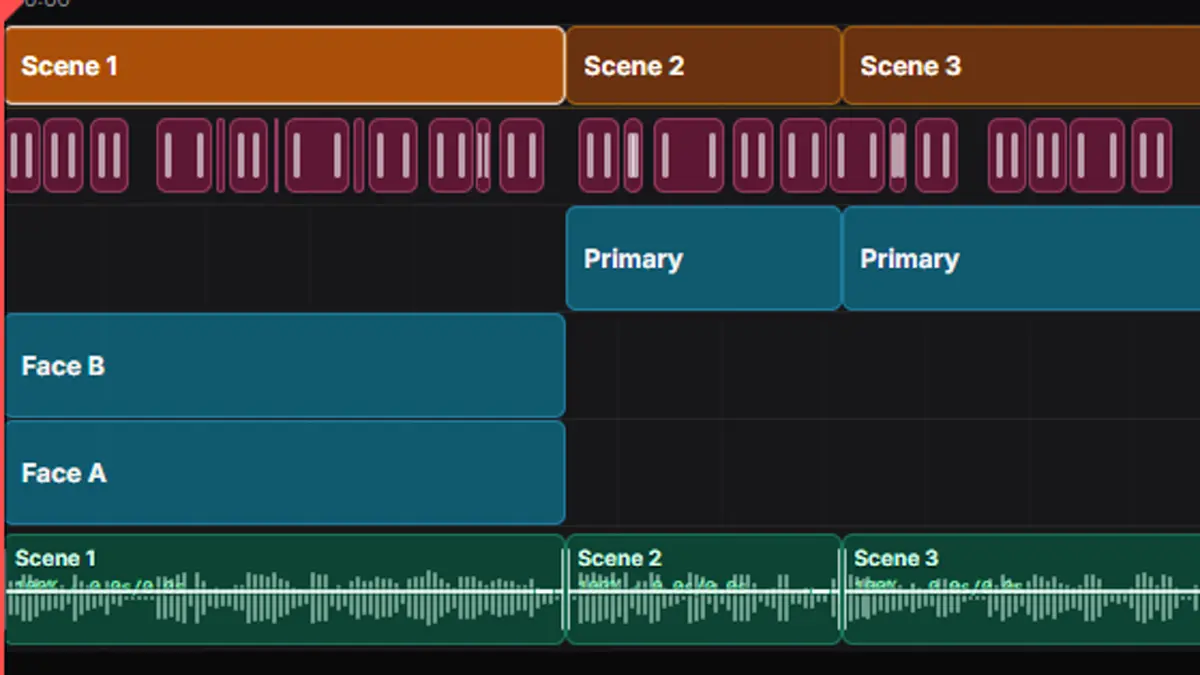
Use BlitzEdit after AI Clipping when a promising clip needs human review or final polish. It is the place to tighten framing, captions, timing, layout, audio, and brand details before the clip ships.
Key points
- Review each clip before it is rendered, downloaded, or scheduled.
- Adjust crop, captions, layout, timing, audio, and scene details.
- Use revisions to compare polish passes without losing the earlier version.
When to open BlitzEdit
Open BlitzEdit when a clip is good enough to keep but not ready to publish. Common reasons include a crop that misses the subject, captions that need cleanup, a layout that does not fit the platform, or timing that needs a tighter start or ending.
What to check before publishing
Check that the first seconds make the point clear, the subject stays framed, captions are readable, audio feels clean, and the final layout matches the platform. This review step is where a useful clip becomes a polished clip.
Send polished clips to publishing
After review, send the polished version to the right Blitz Social setup or download it for another workflow. Use Blitz Social when the clip should follow saved account, caption, brand, schedule, or platform settings.