
How to turn long videos into shorts
Use this workflow when a long-form source video needs to become multiple short-form posts. Videoblitz helps you move from upload, to clip selection, to review, to a publishing setup that matches each channel.
Key points
- Upload or import the source video into the workspace.
- Create short-form options with the formats, captions, and layouts you plan to use.
- Review clips in BlitzEdit, then send approved versions through the right Blitz Social setup.
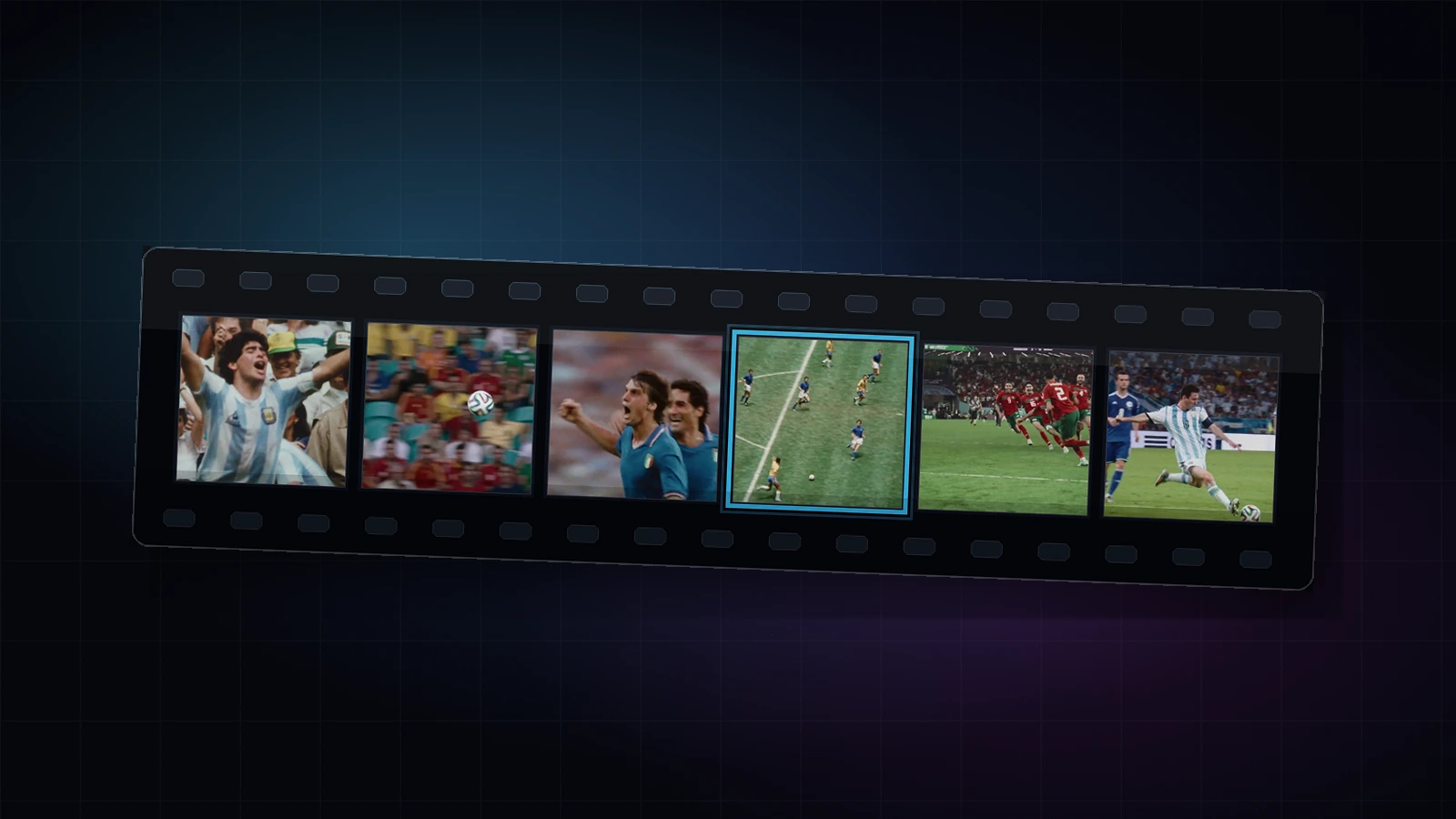
Step 1: Import the source video
Start with a long-form video such as a podcast, webinar, gaming session, reaction video, lesson, sports recording, or show segment. Upload the file or import the source you want to repurpose.
Step 2: Create clip options
Run AI Clipping to create short-form options from the source video. Choose the platform formats, caption style, and layout direction that match the channels you plan to publish on.
Treat the first pass as a review list. Pick the clips with the strongest hook, clearest story, and best fit for your audience before spending time on final edits.
Step 3: Review in BlitzEdit
Open promising clips in BlitzEdit to adjust crop, captions, timing, audio, layout, and scene details. Use this step to make each clip feel intentional before it becomes a publishable output.
Step 4: Publish through Blitz Social
Send approved clips into Blitz Social when the same account, brand, caption, schedule, and platform formatting rules should be reused. This is useful for recurring shows, client channels, campaigns, or creator workflows.