
Introduction to Videoblitz
Videoblitz helps creators, agencies, and content teams turn source videos into short-form clips for social channels. Use it to find clip ideas, polish the best versions, keep branding consistent, and prepare posts without rebuilding the same setup for every upload.
Key points
- Start with AI Clipping when you need short-form clip ideas from a longer video.
- Use BlitzEdit when a clip needs tighter framing, captions, timing, or brand polish.
- Use Blitz Social when approved clips should follow saved account, format, caption, and schedule settings.
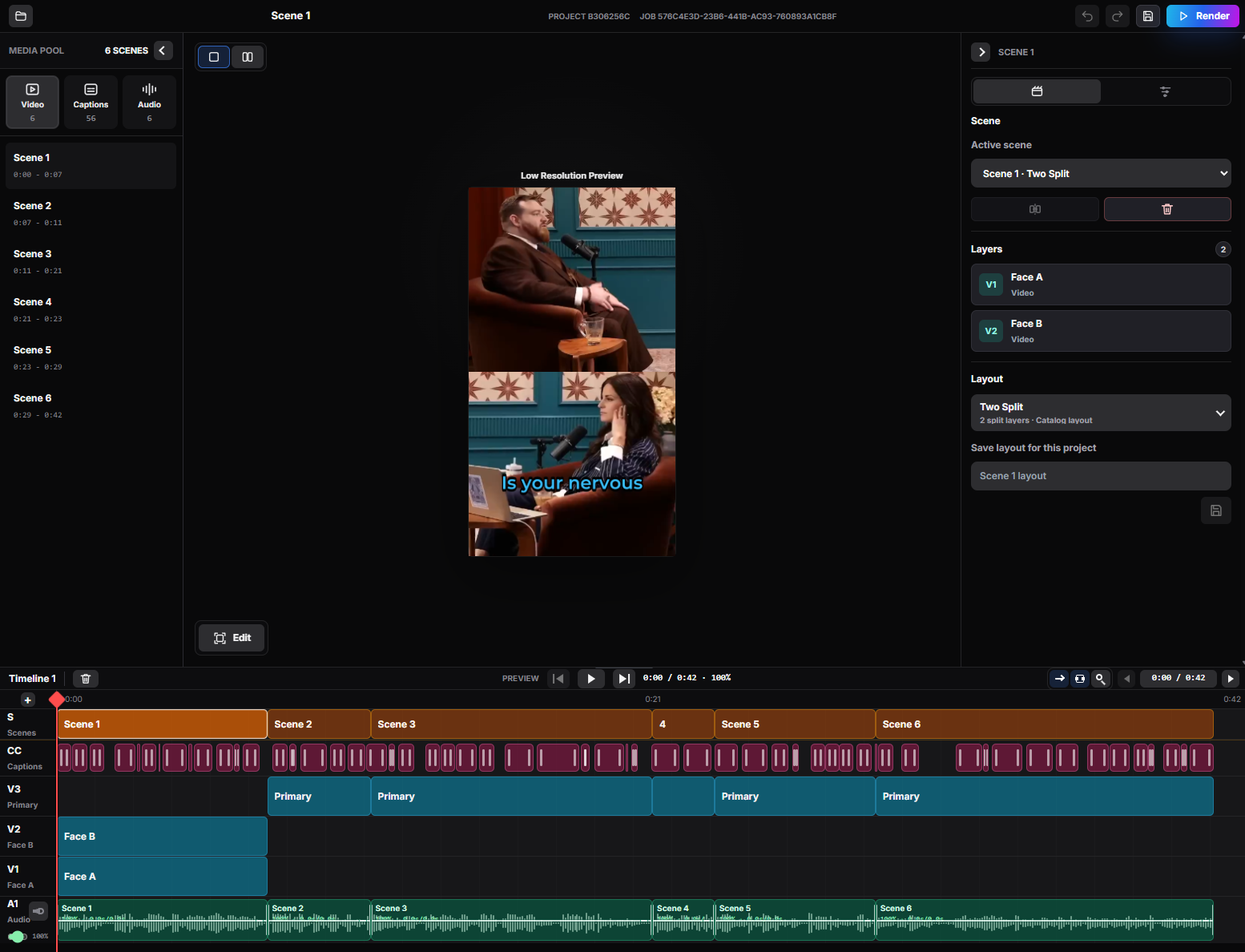
What Videoblitz is for
Videoblitz is built for creators, marketers, agencies, and content teams that repeatedly turn long-form video into short-form output. A podcast, webinar, gaming session, lesson, reaction video, or show segment can become clips for TikTok, YouTube Shorts, Instagram Reels, X, Facebook, Snapchat, Threads, and other social workflows.
Use Videoblitz when you want a repeatable path from source video to reviewed clips. It is especially useful when the same brand, caption style, platform format, or publishing setup will be reused across a series, client, channel, or campaign.
Choose the right feature
Use AI Clipping first when you need a set of short-form clip options from a longer video. Use BlitzEdit after that when the clip needs manual review, caption fixes, crop changes, or final polish. Use Blitz Social when the clip is ready to be routed to the right account, format, caption setup, and schedule.
You do not need to use every feature for every project. A quick one-off clip may only need clipping and editing. A recurring client, show, or campaign usually benefits from saved Blitz Social setups so the publishing step stays consistent.
When to use Videoblitz
Use Videoblitz when one source video needs to become multiple social-ready clips, when a team wants consistent formatting across channels, or when a recurring workflow should be easier to repeat. It is a good fit for teams that care about speed, review control, and repeatable publishing quality.